ExchangesHow-to
How to Check If a Broker or Exchange Is Legit
Answer
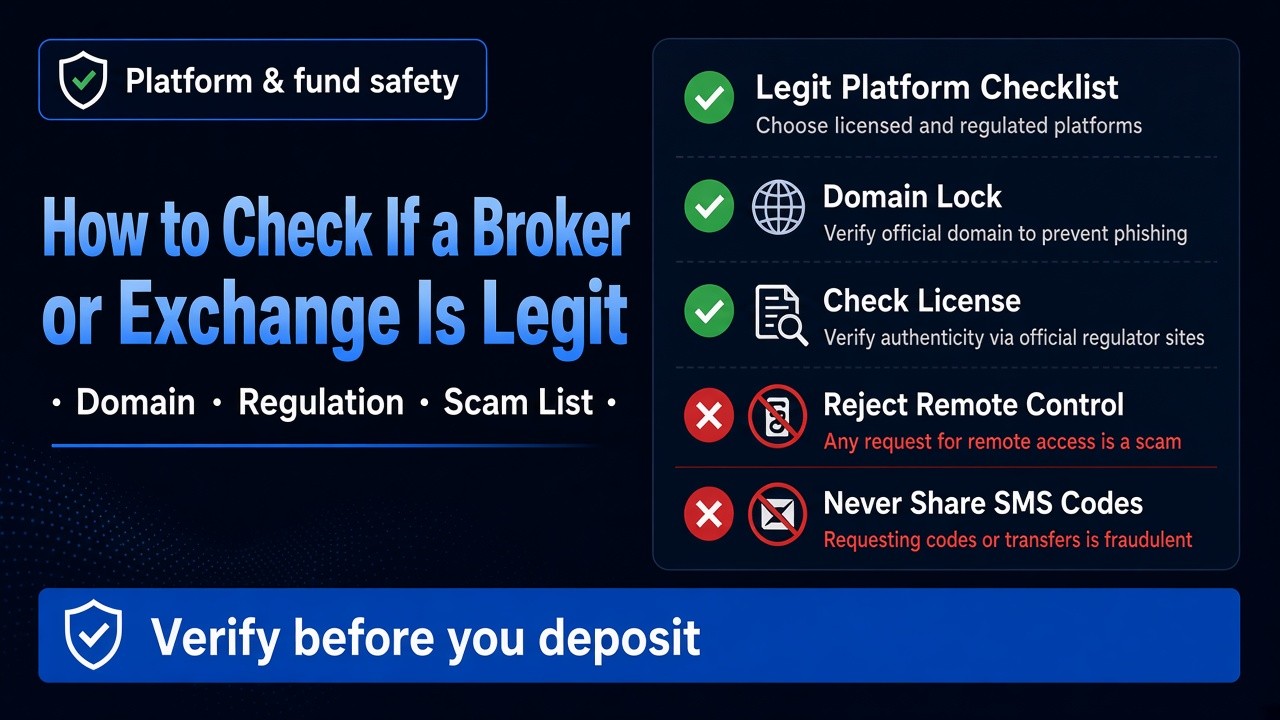
Do not judge "legit" by ads, group screenshots, or an APK someone sent you. Do three things first: ① open the official site only by typing the domain yourself or using a bookmark you already verified — refuse short links and "support" DMs; ② if they claim a licence in a country, search the number on that regulator's own website, not on a poster the firm designed; ③ anyone who asks for remote desktop, SMS/email codes, seed phrases, or authenticator codes — stop. Passing the checklist does not mean nothing bad can happen; depositing without it hands your fraud filter to the other side.
Contents
Before you start
- Scope of this page
- Self-check methods and red flags before you deposit. No proxy sign-ups, no "only safe pick" recommendations.
- Where to look up a licence
- The regulator's own register (if they claim FCA, ASIC, SEC, etc., go to that agency's site).
- Domain red flags
- Look-alike spellings, extra hyphens, odd TLDs, a landing domain that does not match the ad
- Conversation red flags
- Remote control, asking for codes, guaranteed profits, pressure to "deposit now or lose the slot"
- Common English-language scams
- Pig-butchering / romance-investment chats, fake exchange apps, Telegram signal groups, "recovery" agents after a loss
- Limit
- A licence does not mean no default, hack, or withdrawal delay. It only lowers the risk that you cannot even find the legal entity.
- Country differences
- What is available where you live differs. Binance.com does not serve US residents (Binance.US is separate). Always check the provider's own restricted-locations page.
Self-check before depositing (not tied to one brand)
Type the official domain in the address bar yourself, or open a bookmark you already verified. Do not click search ads, SMS links, or short links from Telegram/WhatsApp/email "support."
Check: The address-bar domain matches what you recorded, and it is HTTPS. You did not bounce to a stranger domain mid-way.
On the official site footer or About/Compliance page, find the legal entity name and licence/registration number they claim. Copy the number — the next step does not finish on this site.
Check: You have a copyable number and legal name, not only a poster image.
Open the regulator's own website (search for the agency domain, or use a bookmark you trust) and search by licence number or legal name. Check status, name match, and whether the permitted activities cover what you want to do. Three common official entry points: UK FCA Financial Services Register, Australia ASIC registers, US SEC Investor.gov. If they claim another agency, go to that agency's site.
Check: Results come from the regulator's domain; you understand the name and status. If they do not match, stop depositing and verify another way.
Read deposit/withdrawal instructions: do they lead only to official accounts or official deposit screens? Does anyone ask you to "send to a personal bank account / personal crypto address first"? Before a small test, read withdrawal rules and timing.
Check: The deposit target is inside the official flow. There is no "personal receiving" request.
In support or sales chats, enforce red lines: do not install unknown remote-control software; never share SMS/email codes, authenticator codes, seed phrases, or API keys. If they push "internal channel" or "guaranteed signals," end the chat.
Check: You shared no codes or remote access, and you did not deposit a large amount the same day because of a pitch.
If the goal is a specific brand's official path (for example Binance), switch to that brand's verified-domain guide — not a generic "download portal." Binance on desktop: How to Sign Up for Binance on a Computer.
Check: The brand how-to still uses the official domain you verified.
What this page does not cover
- A licence ≠ never defaults or never gets scammed. It only reduces "I cannot find the entity at all."
- Not legal, compliance, or investment advice. Cross-border limits need your own professional advice.
- No blacklist and no "only recommended platform."
- No help bypassing KYC, regulation, or sanctions.
FAQ
Is a photo of a licence enough?
No. Images are easy to fake. Look the number up on the regulator's site.
Can I trust an "official site" I opened from a search ad?
Not by default. Ad landings often impersonate. Typed domains or verified bookmarks are the baseline.
Is a slow withdrawal always a scam?
Not always — reviews and banking rails can delay even legitimate firms. If they refuse without reason for a long time and ask for more deposits to "unlock," treat it as high risk and keep evidence.
How does this relate to the Binance sign-up guides?
This page is the cross-platform check. Binance click paths are in How to Sign Up for Binance on a Computer and How to Sign Up for Binance on the Official App.
Someone offered to "recover" funds I already lost — safe?
Treat recovery agents as high risk. They often ask for more fees or remote access. Use the regulator and law-enforcement channels in your country instead.
What if the firm claims licences in many countries?
Check each claim on that regulator's register. A logo collage on a landing page is not a register search.